
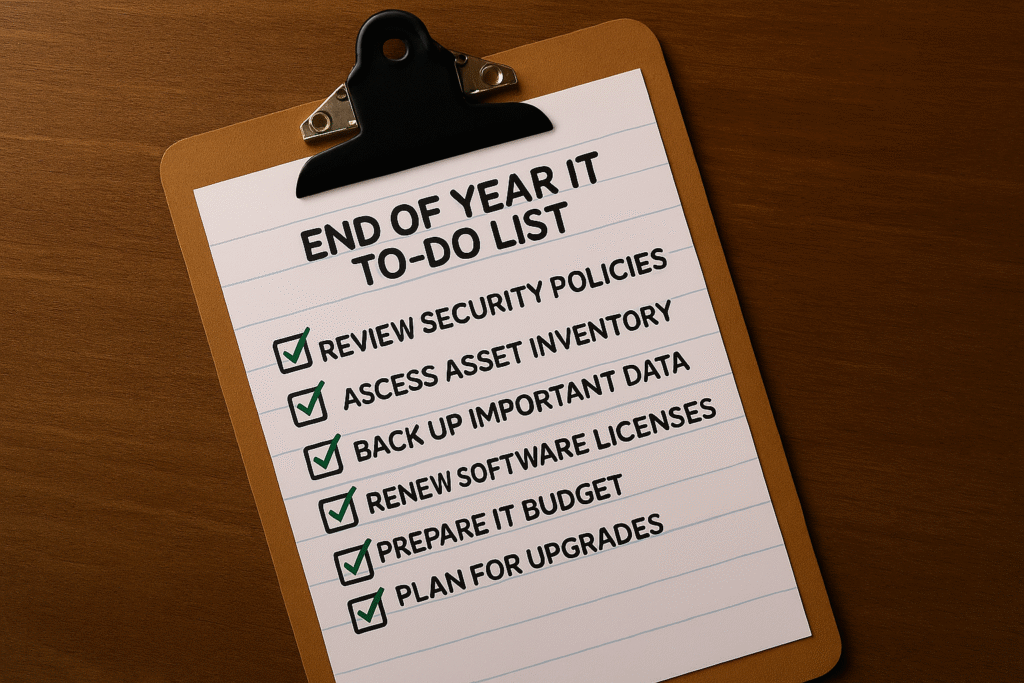
With a Checklist You Can Finish This Week
December-January is a rare moment of breathing room for many small businesses. Use it to clean up access, tighten security, speed up systems, and start 2026 with momentum instead of maintenance. Here’s a practical, non-jargon checklist you can complete in focused blocks over the next few days.
How to use this: Tackle one section per day or run the 60-minute sprint at the end. If you don’t have in‑house IT, assign the owner or office manager to drive the checklist and loop us in for the technical bits.
1) Close unused access and old accounts
- Export a full user list from Microsoft 365/Google Workspace, your line‑of‑business apps, VPN, and any admin consoles.
- Disable accounts for former employees, interns, contractors, and vendors. Revoke OAuth tokens and shared API keys.
- Reset shared passwords and turn on MFA everywhere (email, payroll, CRM, cloud storage). Prefer app-based or hardware keys over SMS.
2) Patch and update everything
- Apply OS, browser, firmware, firewall, router, VPN, and application updates. Don’t forget printers, Wi‑Fi APs, and that back‑office PC nobody touches.
- Update your CMS (WordPress, Shopify apps, etc.) and remove abandoned plugins/themes.
- Schedule automatic patch windows and reboot maintenance for 2026.
3) Back up—and test a restore
- Follow 3-2-1: three copies of data, on two different media, with one off‑site.
- Run a sample file restore and a full SaaS mailbox/site restore to prove you can recover fast.
- Confirm retention policies for Microsoft 365/Google Workspace and your accounting/CRM systems.
4) Clean up your SaaS sprawl
- Inventory subscriptions. Cancel tools you don’t use; consolidate where features overlap.
- Review third‑party integrations and remove anything that no longer has a business purpose.
- Limit who can approve new apps; require admin review for data‑access permissions.
5) Give your website a security & performance tune‑up
- Update the CMS, plugins, PHP/runtime, and theme. Remove what you no longer use.
- Confirm daily backups actually restore. Check SSL, page speed, and mobile performance.
- Review who still has admin access (remove former staff/contractors).
6) Document and set Q1 priorities
- Write down what you changed, where credentials live (stored in a password manager), and what’s still outstanding.
- Pick three Q1 improvements: e.g., roll out phishing‑resistant authentication, segment guest Wi‑Fi, or formalize an offboarding checklist.
60‑Minute Sprint
- Disable two old accounts, enforce MFA for your email/HR/payroll, and reset one shared password.
- Patch one firewall/router and your CFO7s laptop; reboot both.
- Run a 1‑file restore from backup and screenshot success for your records.
Need a hand?
FSOS can run this end‑of‑year cleanup for you (including vendor checks) and hand you a simple, owner‑friendly report. Book a no‑pressure 30‑minute consult and we7ll map your top three risks and quick wins.